RouteGuard
A downloadable tool for Windows
Heads up before installing: Windows will show a blue "Windows protected your PC" screen when you run the installer. That's expected, because the installer isn't code-signed yet. Click More info, then Run anyway.
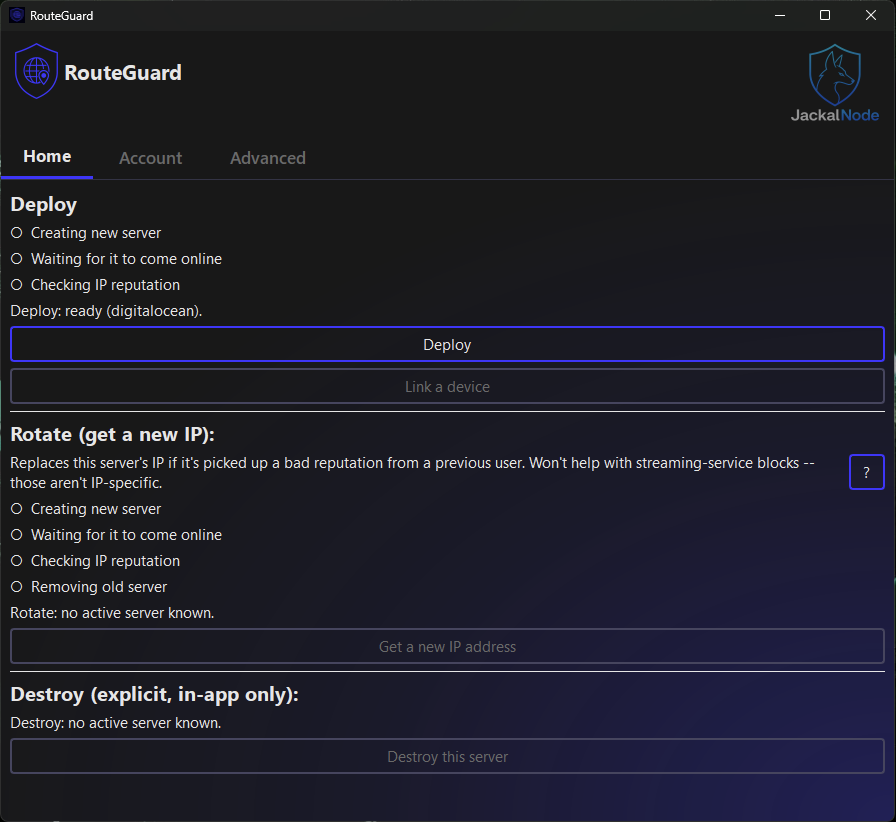
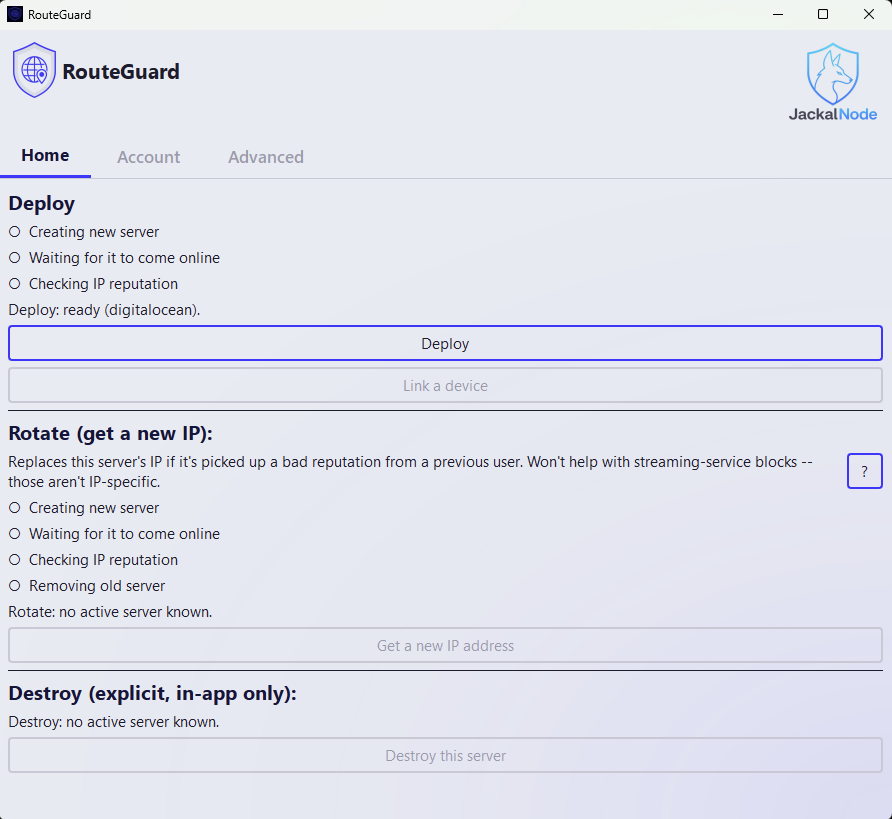
RouteGuard deploys a private WireGuard VPN and an ad-blocking DNS server (AdGuard Home) onto a cloud server you rent and control. No VPN company sits in the middle: the server runs on your own cloud account.
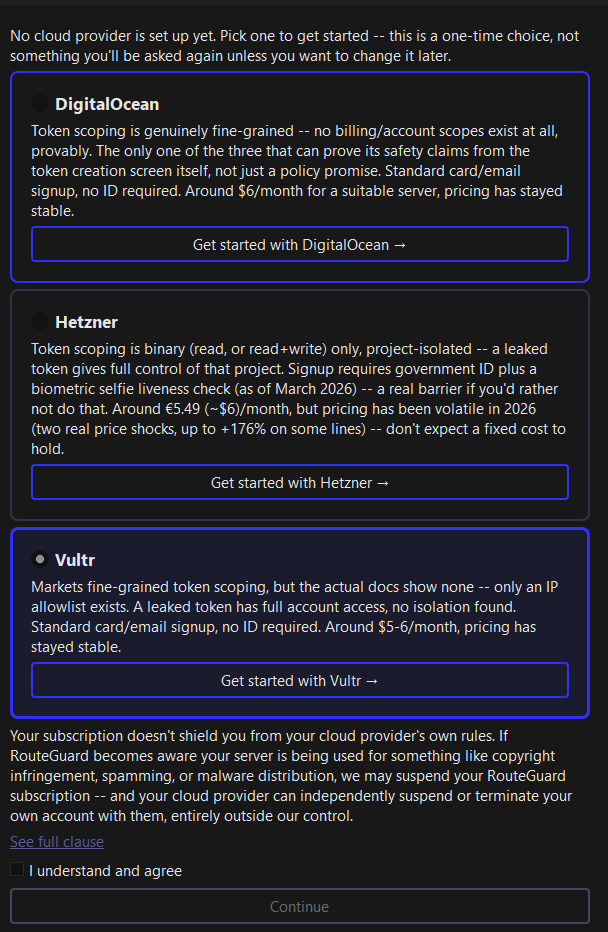
You bring your own cloud account (DigitalOcean, Hetzner, or Vultr). RouteGuard handles the rest: server creation, WireGuard setup, DNS filtering, blocklist checks, an IP reputation check, and a one-click "Get a new IP" if your server's address has been flagged.
What you'll need:
- Windows 10 or 11
- An account with DigitalOcean, Hetzner, or Vultr (server costs a few dollars a month, billed by them directly, RouteGuard doesn't charge for hosting)
- An API token from your chosen provider (RouteGuard walks you through generating one on first launch)
- A RouteGuard subscription: $3/month or $30/year via PayPal. It's needed to deploy, rotate and update your server. A server you've already deployed keeps working if you cancel.
Good to know:
- Streaming services often block cloud-server IPs. RouteGuard can't get around that, and a new IP won't fix it. - Hetzner asks for a government ID and a selfie check when you open an account. - Your cloud provider bills you for the server until you destroy it in RouteGuard. Uninstalling RouteGuard does not delete the server.This is v0.1.3 and still in active development. If something breaks or looks off, that's exactly the feedback I'm after: use Report an Issue on the app's Advanced tab, which copies a scrubbed report for you to post in the RouteGuard Discord channel. RouteGuard updates itself when a new version is out.
Download
Install instructions
1. Download RouteGuard_Setup_v0.1.3.exe and run it.
2. Windows will show "Windows protected your PC". That's expected, because the installer isn't code-signed yet. Click More info, then Run anyway.
3. Follow the installer. On first launch, RouteGuard walks you through choosing a cloud provider and creating an API token.
Leave a comment
Log in with itch.io to leave a comment.