StartGuard
A downloadable tool for Windows
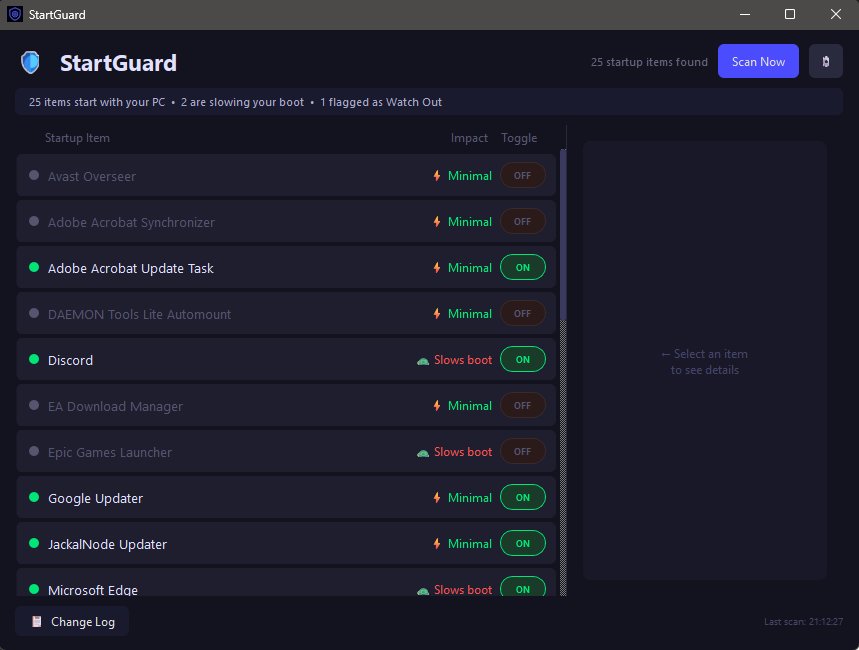
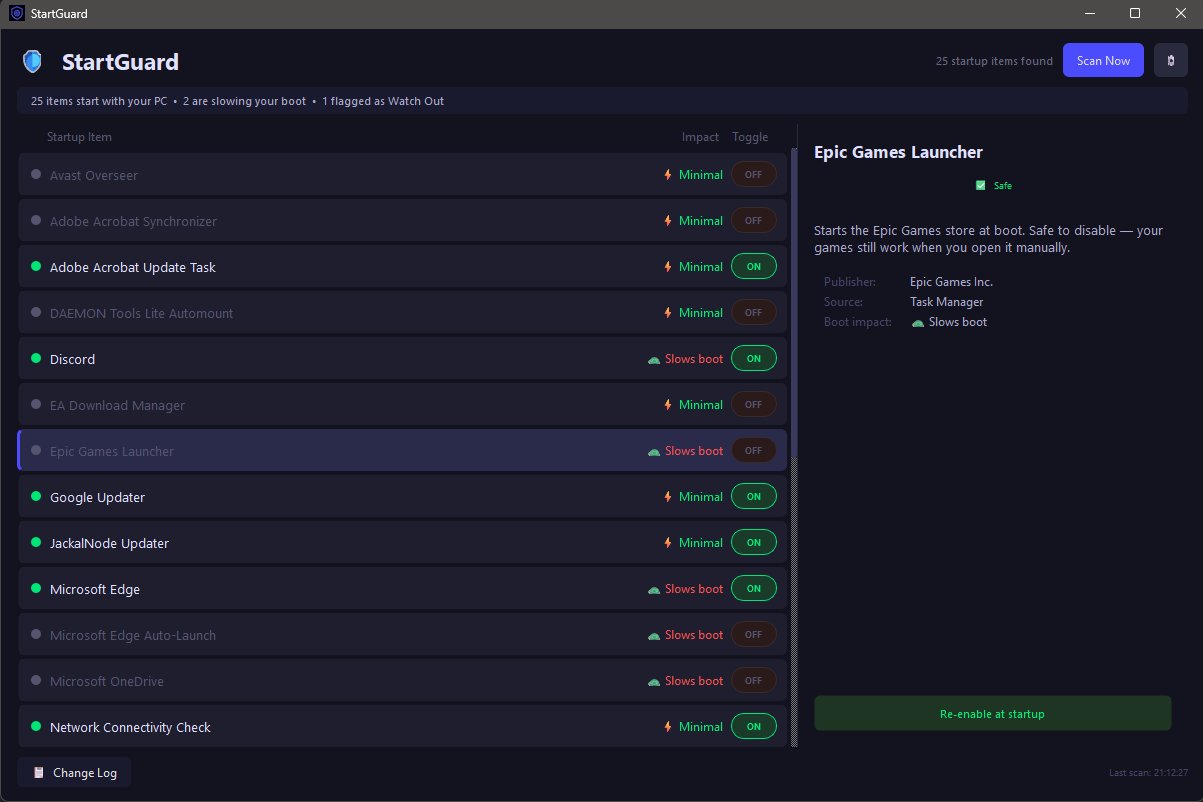
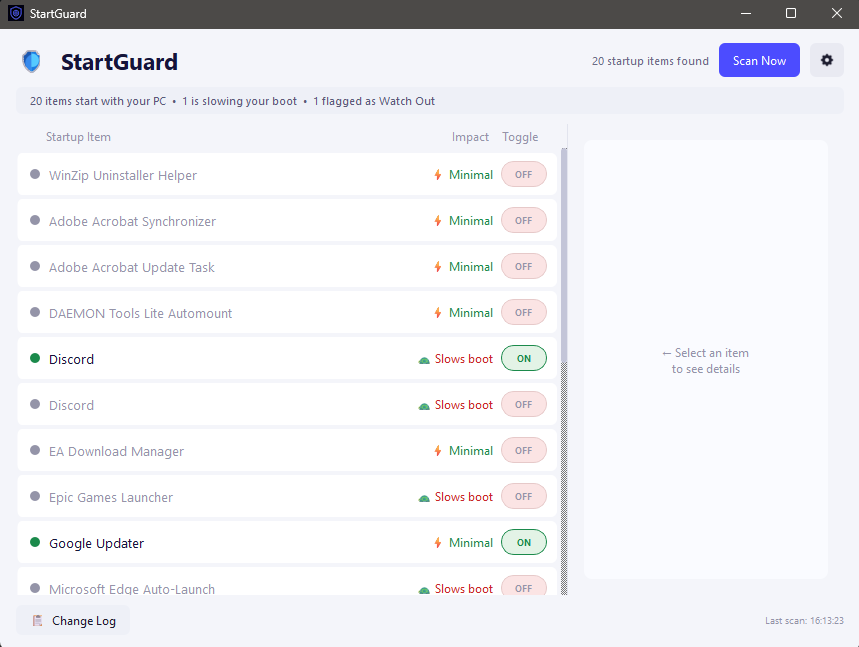
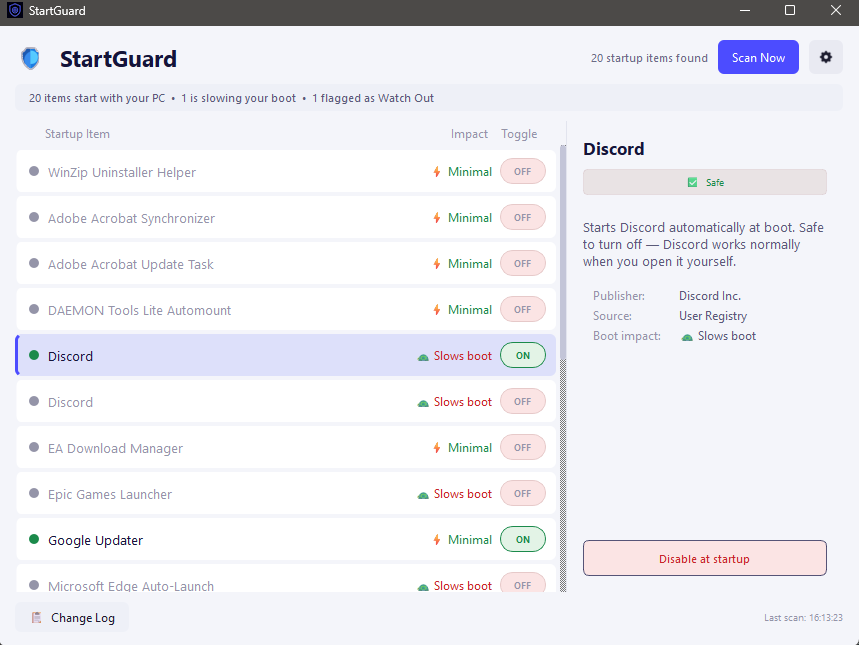
StartGuard shows you exactly what's running at startup on your PC, explains what each item actually is in plain English, and lets you safely turn off the ones slowing your boot — without breaking anything important.
Features:
- Plain-English explanations for every startup item — no tech jargon
- Safety ratings — Safe, Unknown, or Watch Out, so you always know what's safe to touch
- One-click toggle — disable or re-enable any startup item instantly
- Boot impact shown for every item, so you know what's actually slowing you down
- Self re-enabling detection — flags anything that sneakily turns itself back on
- Dead shortcut detection — spots broken startup entries pointing to missing files
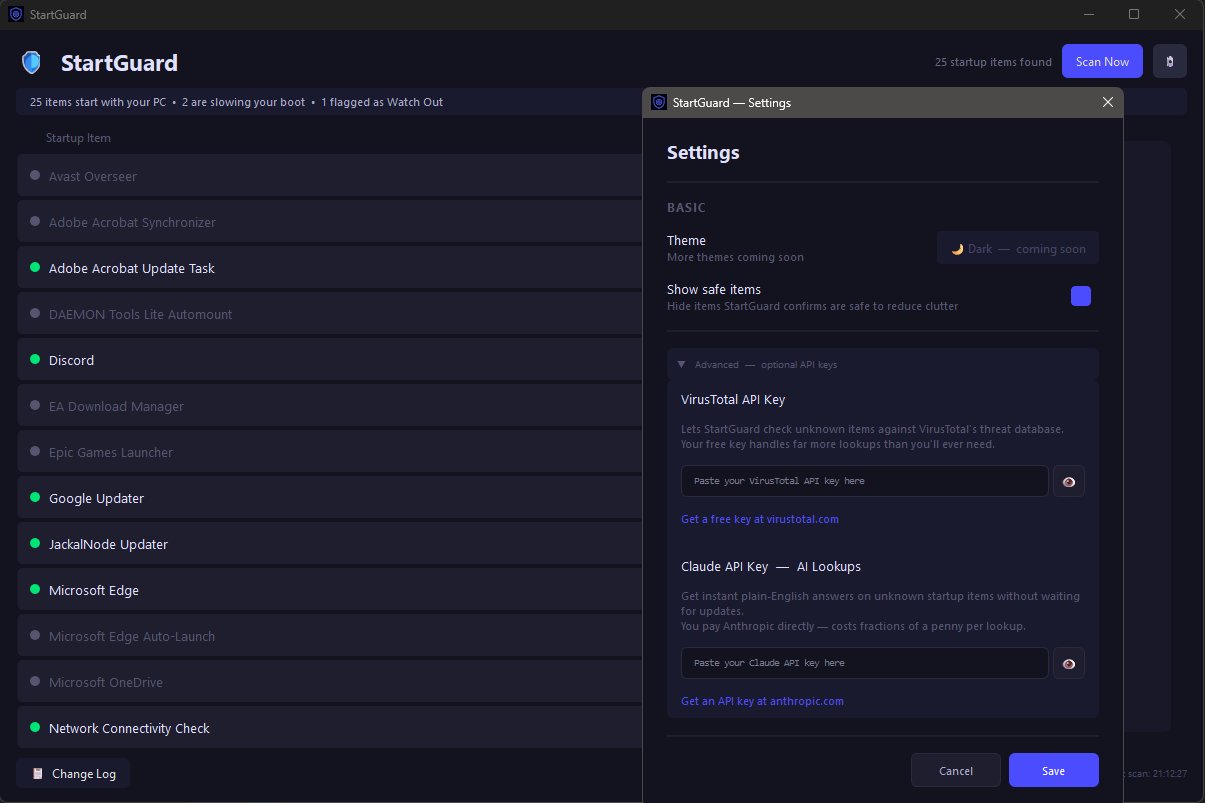
- Report unknown items — help expand StartGuard's database for everyone
- Automatic updates — checks for new versions on its own
- Your protection is never touched — Windows-critical and antivirus items can't be disabled
How it works:
StartGuard scans the Windows registry, Task Scheduler, and startup folders for everything configured to launch automatically, cross-references it against a known database, and shows you a plain-English breakdown — no command line, no guesswork.
System requirements:
Windows 10/11 (64-bit) · Admin rights required (to read all startup sources) · No installation of Python or other tools needed
Coming later: macOS and Linux support are planned, same as PingGuard — currently in active development and will launch as Beta once ready for testing.
This is part of the JackalNode lineup — free Windows tools, no catch. More at jackalnode.com
Download
Click download now to get access to the following files:
Development log
- v1.1.0 — Startup Watch15 days ago
- v0.9.3 — StartGuard is here!15 days ago
- v1.0.1 — Fixed missing startup items (MSI Afterburner, RTSS, and others)15 days ago
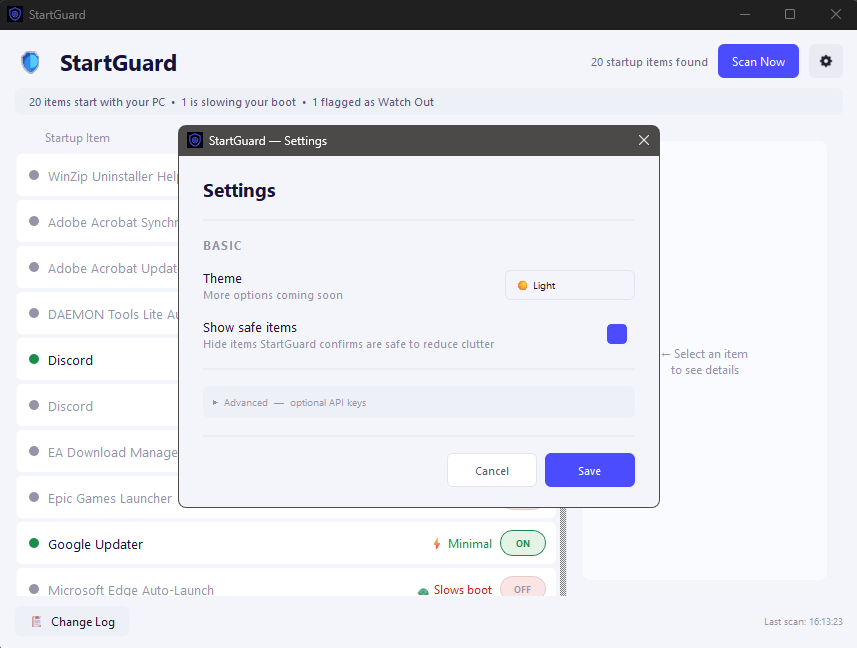
- v1.0.0 — Light Mode + Real Fixes49 days ago
Leave a comment
Log in with itch.io to leave a comment.